Cameras capture. Deepvizor identifies the event. Your team sees the context, while connected equipment follows the configured response.
01 / VIDEO
Spot what matters
Detectors identify the events you define: a missing hard hat, a line crossing or smoke in the frame.
02 / CONTEXT
Understand the situation
Camera, time and video clip in one event stream. An operator reviews the event and routes it to the responsible team.
03 / ACTION
Respond on site
A configured workflow activates a voice warning, signal light or relay output.
04 / NOTIFICATIONS
Deliver events where they matter
Email, any messenger and enterprise systems through JSON API. Connect the channels your team uses and route events to the right people.
05 / ADMINISTRATION
One login. All devices.
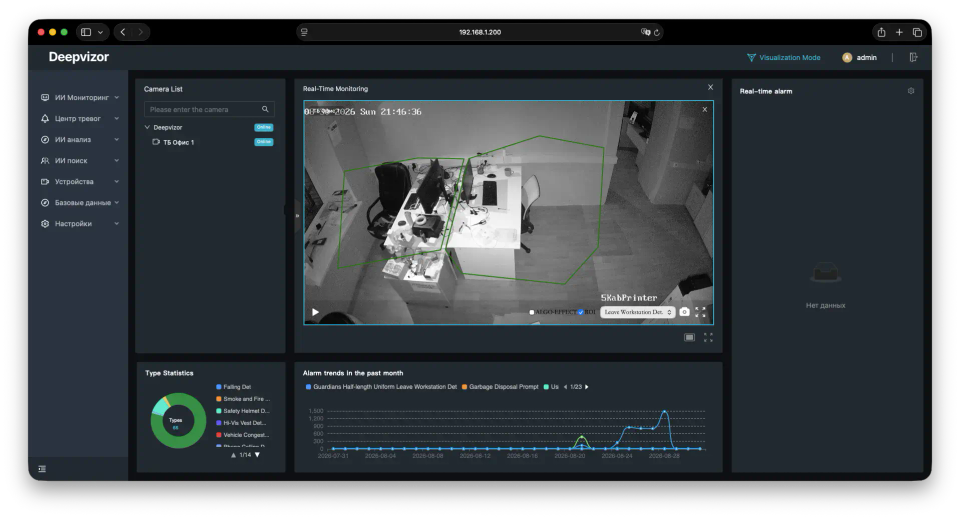
Open the dashboard on one Deepvizor device and manage the others from there. Multiple devices, one administration interface.
Move over the frame to discover six incidents: no safety helmet, person lying down, smoking, phone use, a person under a suspended load, and smoke. The floating card shows a sharp crop of the selected incident. Drag to draw an area. Click or Enter to pin or release. Arrow keys move the focus, 1–6 select an incident, Escape resets.
[ Questions & answers ]
From an event to a response.
Do we need to replace existing cameras?+
We start with available RTSP streams. Your camera and recorder connections are checked before deployment.
Where is video processed?+
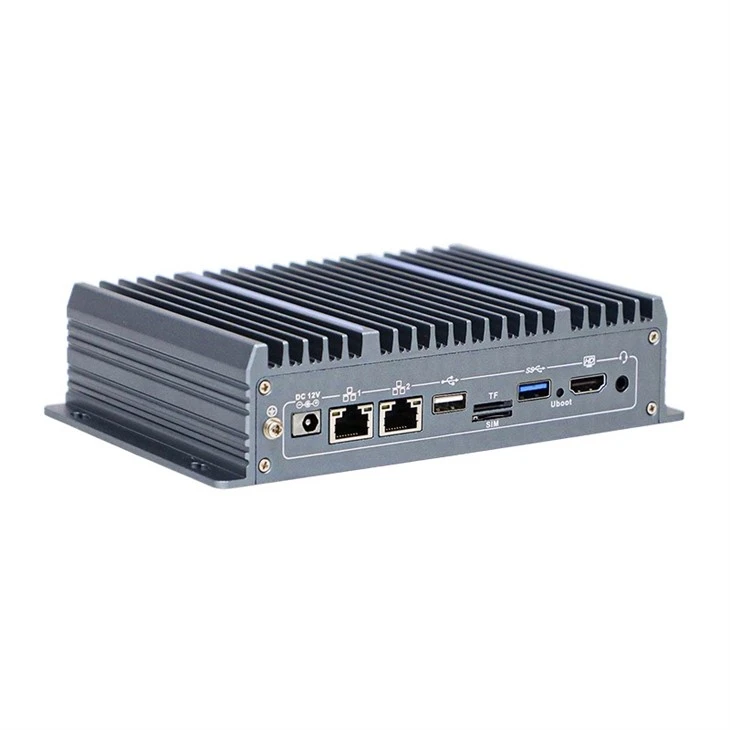
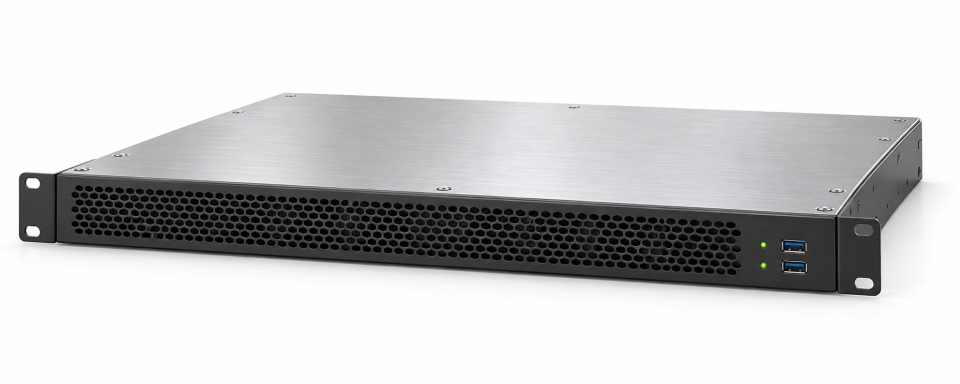
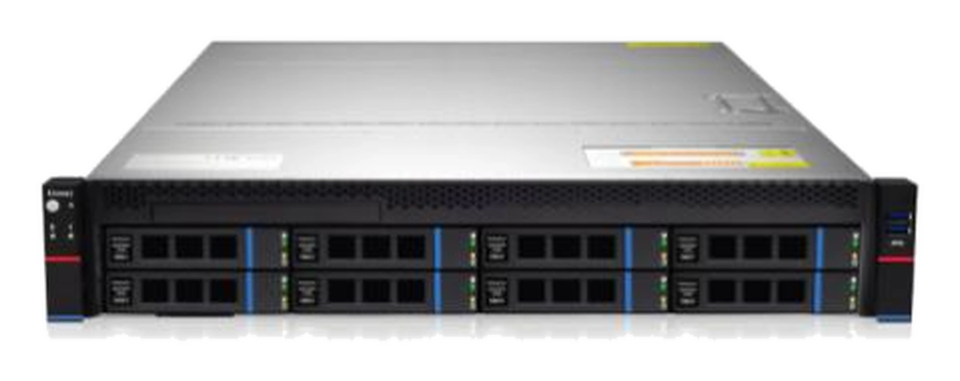
On your site, using a microserver or AI server. The configuration is selected for your camera count and analysis tasks.
What happens after detection?+
An event includes the camera, time and video clip. The agreed workflow then notifies the team or triggers connected equipment.
Where can we send notifications?+
To email, any messenger and enterprise systems through JSON API. We configure recipients and channel integrations to fit your workflow.
How do we manage multiple devices?+
Sign in to the dashboard on one Deepvizor device. Manage other connected devices from there, without opening a separate dashboard for each one.
Can we connect relays and an IP speaker?+
A relay sends a signal to a siren, indicator or controller. An IP speaker plays a warning. Interfaces and commands are checked for the selected models.
Does an operator need to approve every alert?+
The response is defined for the task: an automatic warning or an action after operator review. Rules and permitted workflows are agreed during the pilot.
Can we use sensor data?+
Sensors connect through supported inputs, adapters or gateways. Connectivity and data use are agreed for the specific equipment.
How do we reduce unwanted alerts?+
We configure zones, schedules and event conditions. Missed events and false alerts are checked against real video before refining the rules.
How do we start?+
Choose one task and a few cameras. The pilot checks the complete chain: detection, event delivery, notification and the connected device.
Deepvizor adds artificial intelligence to your video surveillance system. Cameras keep recording while AI identifies objects, detects configured events and helps your team respond in time.
FROM VIDEO TO AN EVENTExample: line crossing
01 / YOUR CAMERAS
CAMERA 03 / ENTRANCE
REC
Your existing video stream
02 / DEEPVIZOR AI
See. Analyze. Find what matters.
Identify a person
Track movement
Check the condition
03 / ACTIONABLE EVENT
Line crossing
Camera 03 · 10:24:16
A frame and context to review
NotificationJSON APIRelay output
On-site processing. Scenarios tailored to your needs.
01
Connect your existing cameras
Use streams from your current surveillance system. Add Deepvizor compute hardware on site, without replacing cameras across the facility.
02
AI recognizes objects
Identify people, vehicles and other objects relevant to your task. Detectors analyze visual content, rather than just changes between frames.
03
Turn movement into an event
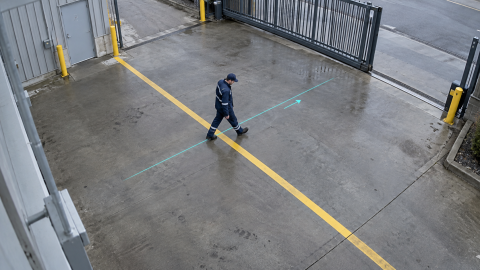
A sequence of frames helps identify line crossing, actions or prolonged presence in a zone. Zones, timing and conditions define your scenario.
04
Give your team a signal to act
An event frame and context are available to the operator. Notifications reach the right channels; configured rules can trigger a warning or a relay output.
Video analytics in action
Every camera can do more.
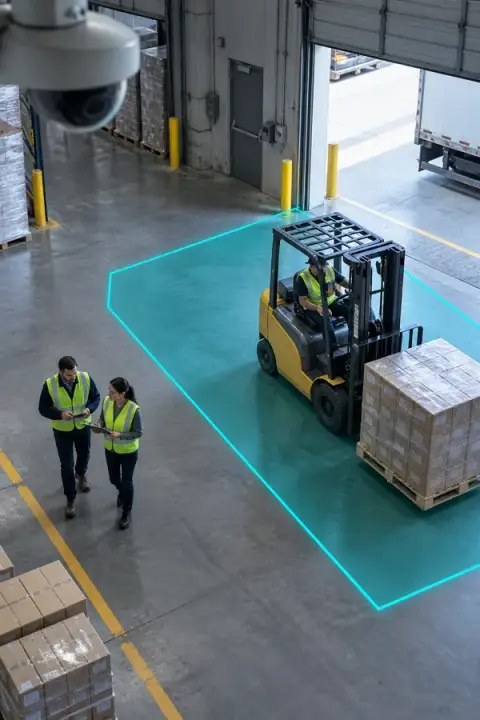
People, vehicles, and work zones stay within the system's view.
CAM 03 — WAREHOUSE / YARD
Warehouse safety
CAM 02 — FACTORY / LINE 02
PPE compliance
CAM 11 — PERIMETER / GATE
Perimeter protection
CAM 06 — LOGISTICS / DOCK
Traffic flow
CAM 09 — OFFICE / CORRIDOR
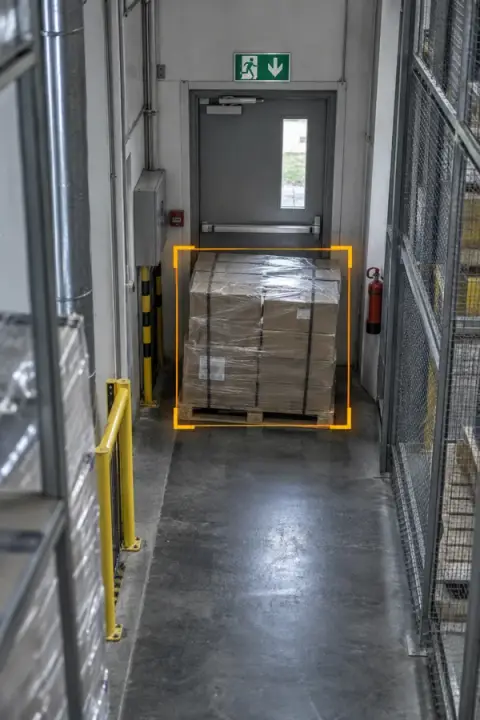
Clear evacuation routes
CAM 07 — CONSTRUCTION / ZONE 03
Technical zone monitoring
Video analytics use case illustrations
[ Compatibility ]
Your infrastructure. One connected workflow.
Cameras and peripherals in one event chain. Notifications to email, any messenger and enterprise systems through JSON API. Deepvizor devices managed from one dashboard.
 Behavior● DEEPVIZOR / 01FallDetects a person falling so the event can be reviewed promptly.View detector ↗
 Behavior● DEEPVIZOR / 02SmokingDetects smoking in monitored areas.View detector ↗
 Behavior● DEEPVIZOR / 03Using PhoneDetects phone use in monitored work areas.View detector ↗
 PPE● DEEPVIZOR / 04Safety HelmetChecks for the presence of a safety helmet.View detector ↗
 Perimeter● DEEPVIZOR / 05Zone IntrusionDetects a person entering a protected area.View detector ↗
 Traffic● DEEPVIZOR / 06Fire Truck Passage OccupancyDetects occupancy of an access route for fire trucks.View detector ↗
 Safety● DEEPVIZOR / 07Smoke and FireDetects visible smoke and fire.View detector ↗
 Cameras● DEEPVIZOR / 08Camera ObstructingDetects a camera view being covered by a hand, paint or another object.View detector ↗
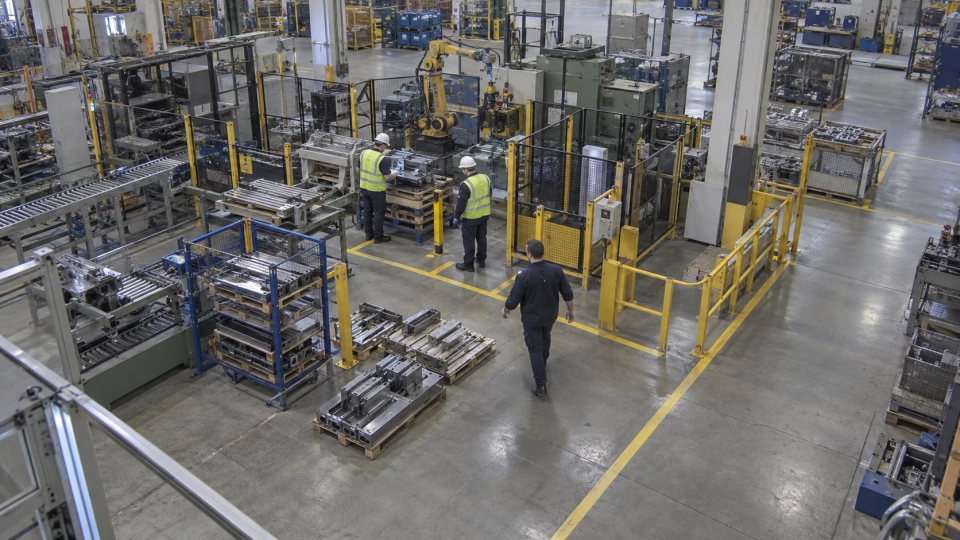 PPEWorking UniformChecks work uniforms; training on the required uniform is needed.Learn more ↗
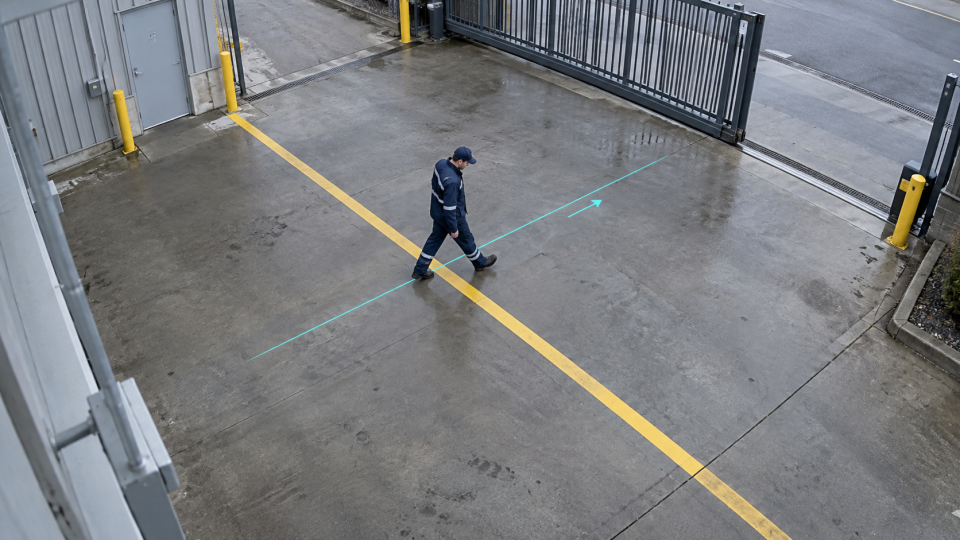 PerimeterBoundary Crossing (Directional)Detects a virtual line being crossed in the specified direction.Learn more ↗
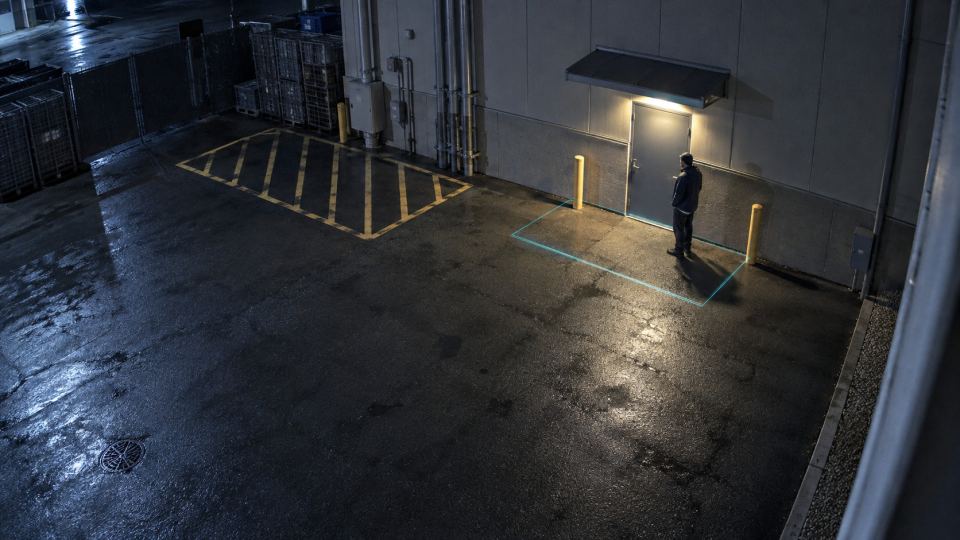 PerimeterPerson Zone LingeringFlags a person remaining in a monitored area longer than the allowed time.Learn more ↗
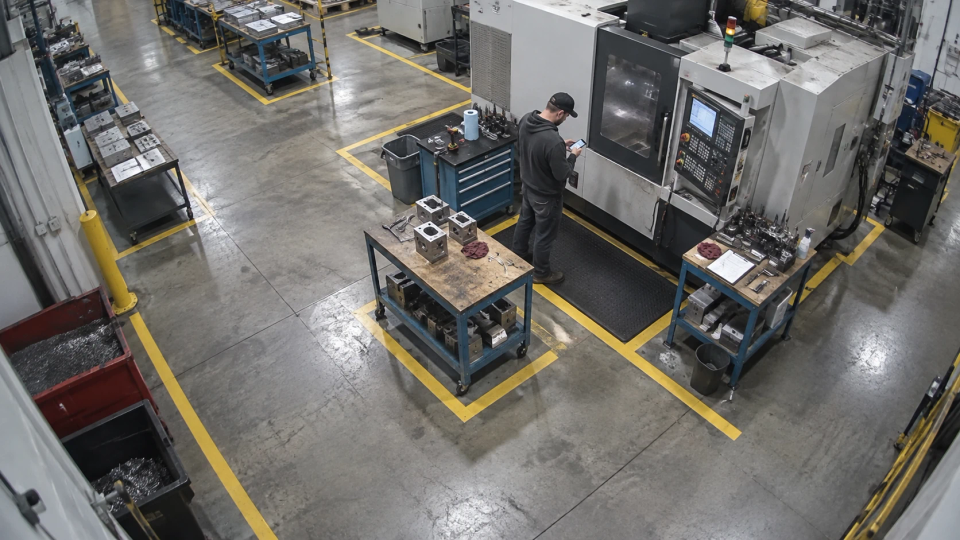 BehaviourGuardians Leave WorkstationDetects a guard leaving an assigned post.Learn more ↗
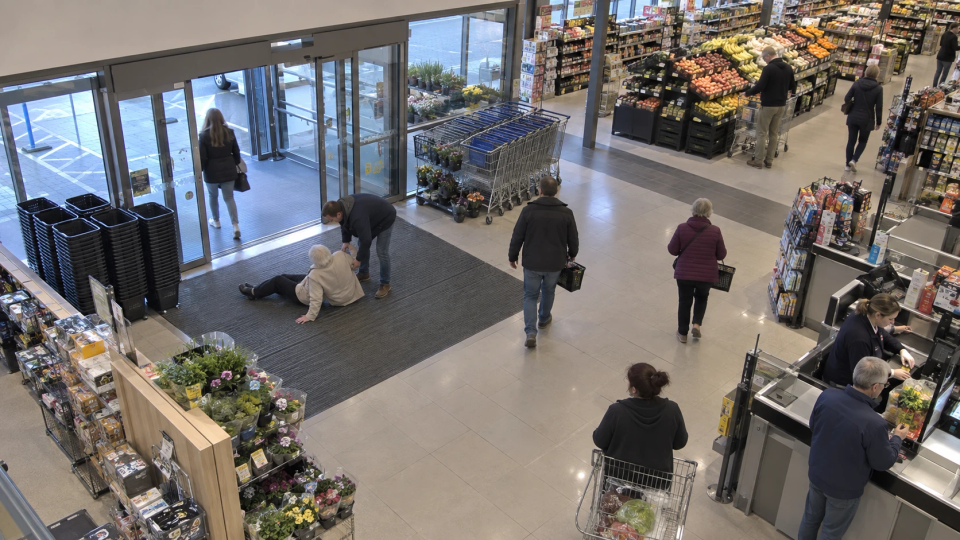 People countingPassenger Flow StatisticsCounts and analyses pedestrian flow.Learn more ↗
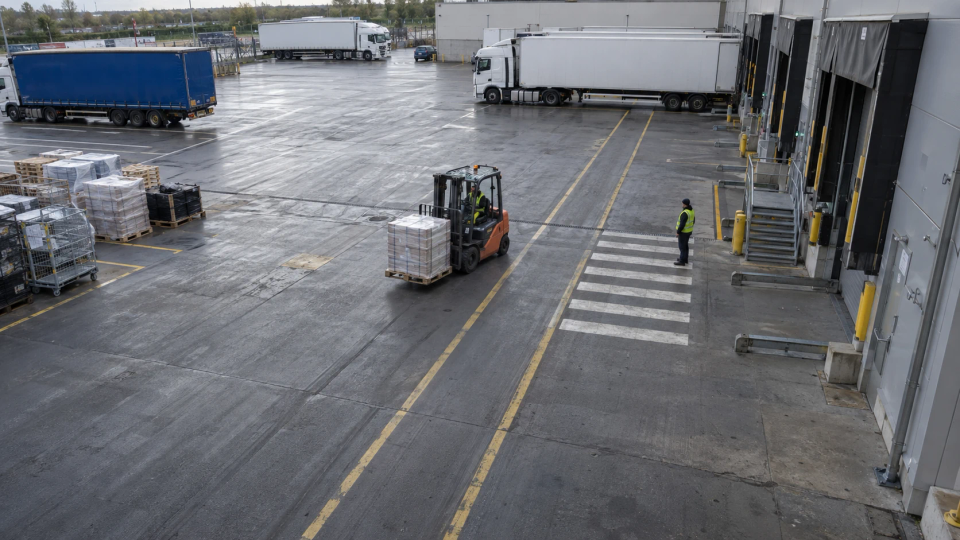 VehiclesForklift Cargo Entry/ExitDetects a forklift entering or leaving with cargo.Learn more ↗
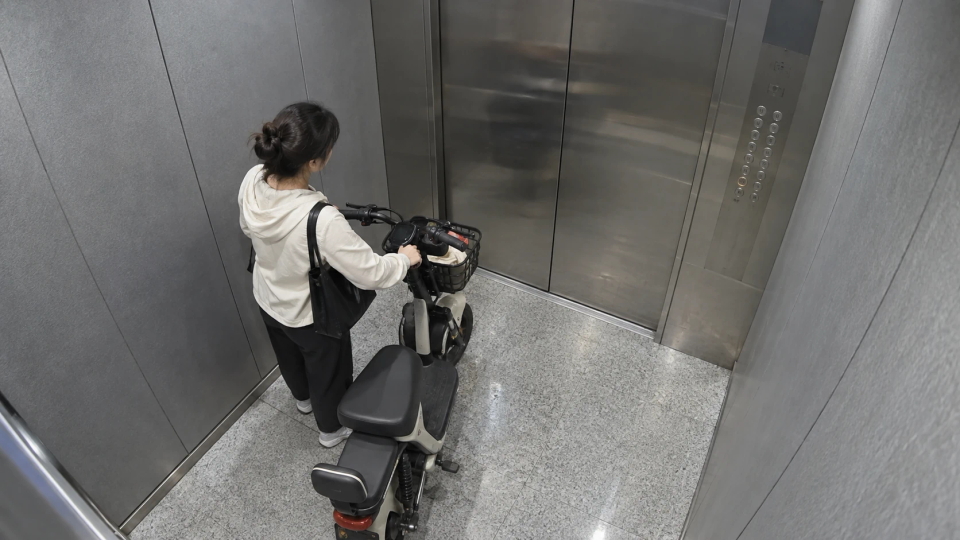 VehiclesElectric BicycleDetects electric bicycles in monitored areas.Learn more ↗
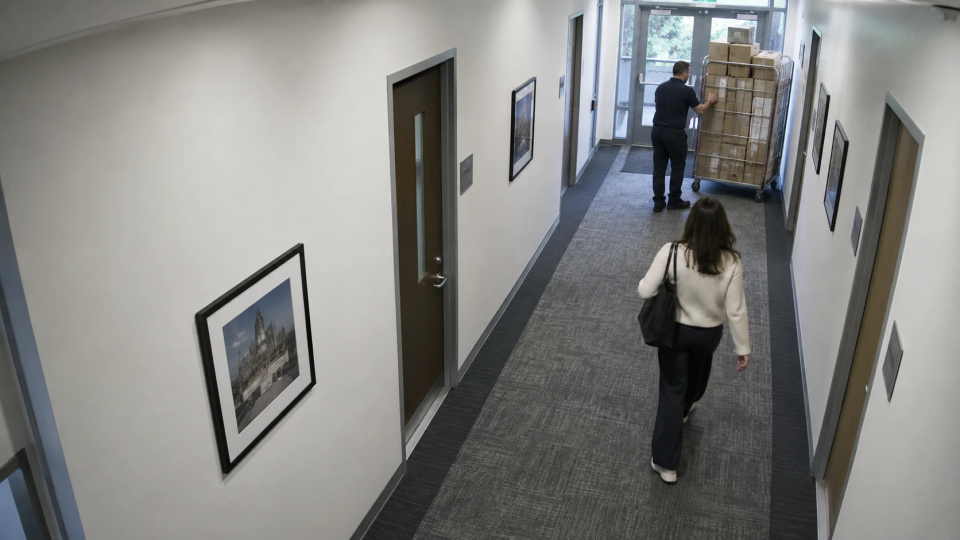 Fire safetyIndoor Fire Escape Passage OccupancyDetects obstructions on indoor fire-escape routes.Learn more ↗
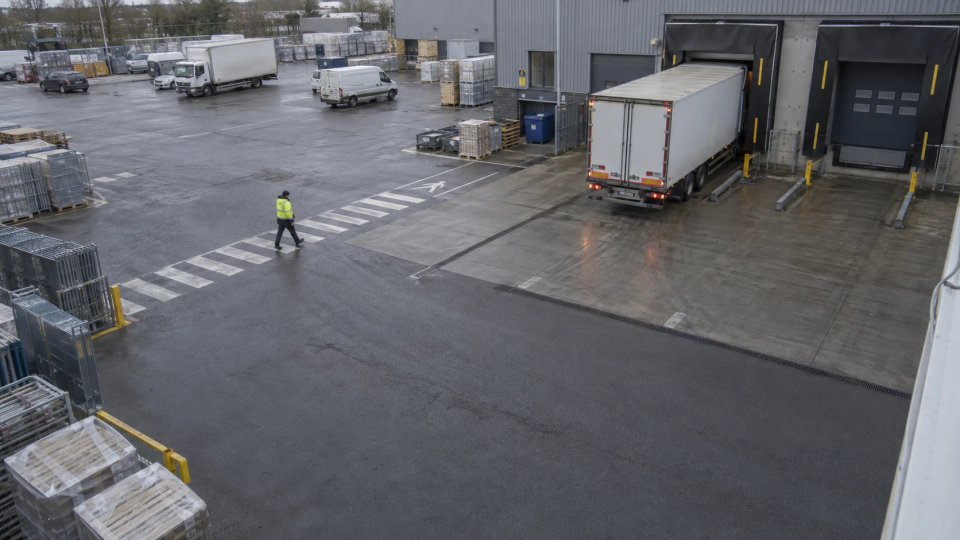 VehiclesVehicle Parking ViolationDetects parking violations in configured areas.Learn more ↗
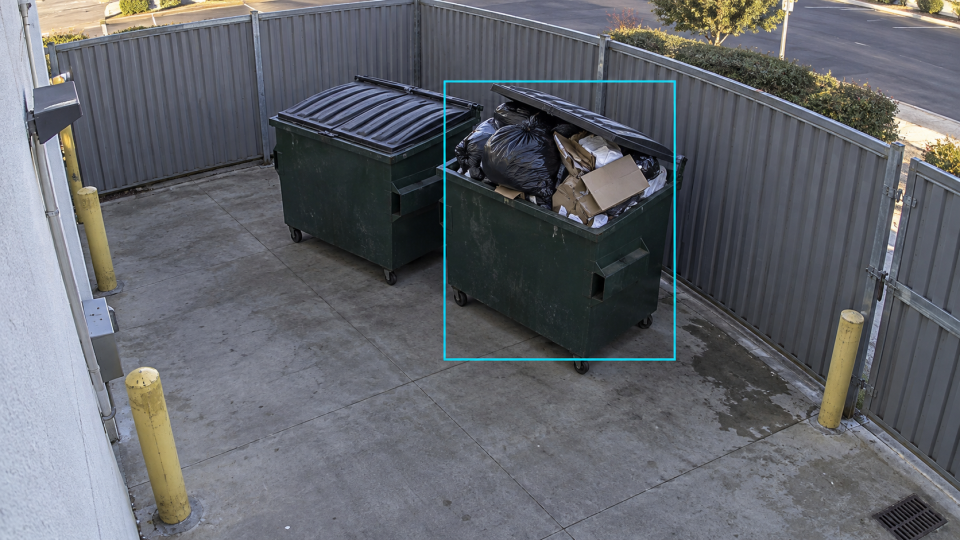 CleanlinessGarbage Disposal PromptDetects overflowing waste containers to support collection planning.Learn more ↗
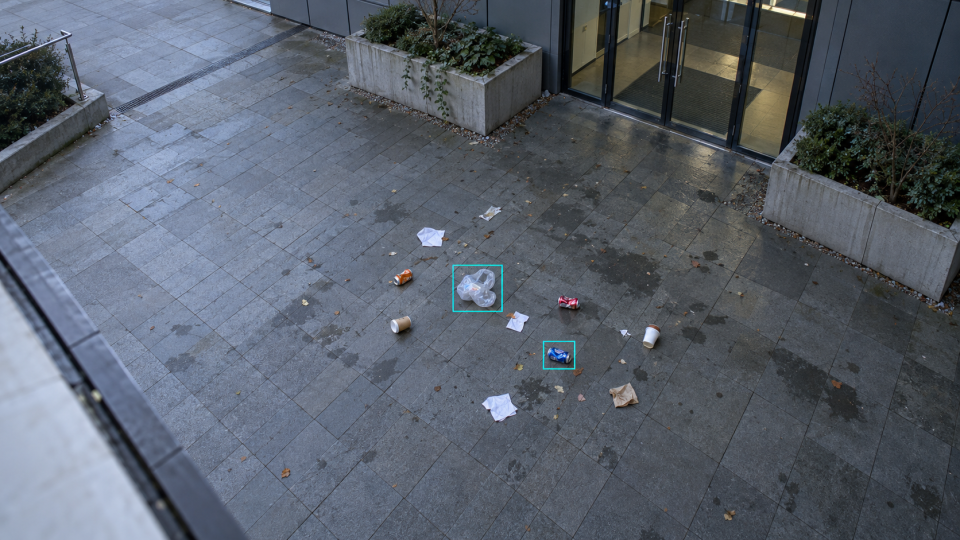 CleanlinessGround GarbageDetects litter and waste on the ground.Learn more ↗
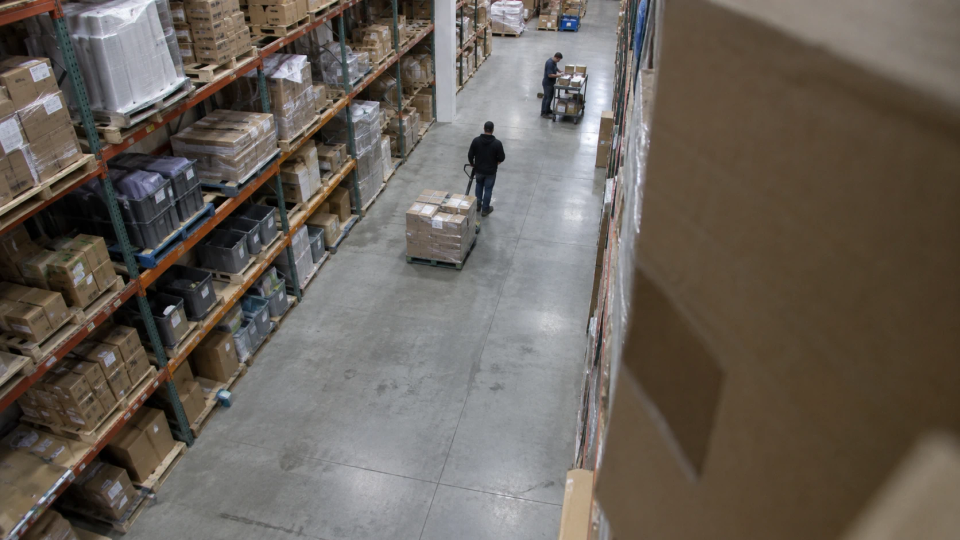 CamerasCamera Abnormal DisplacementDetects abnormal camera movement or rotation.Learn more ↗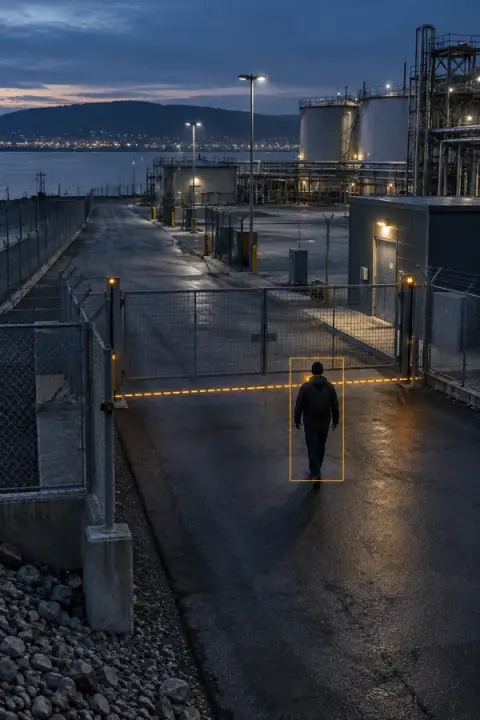

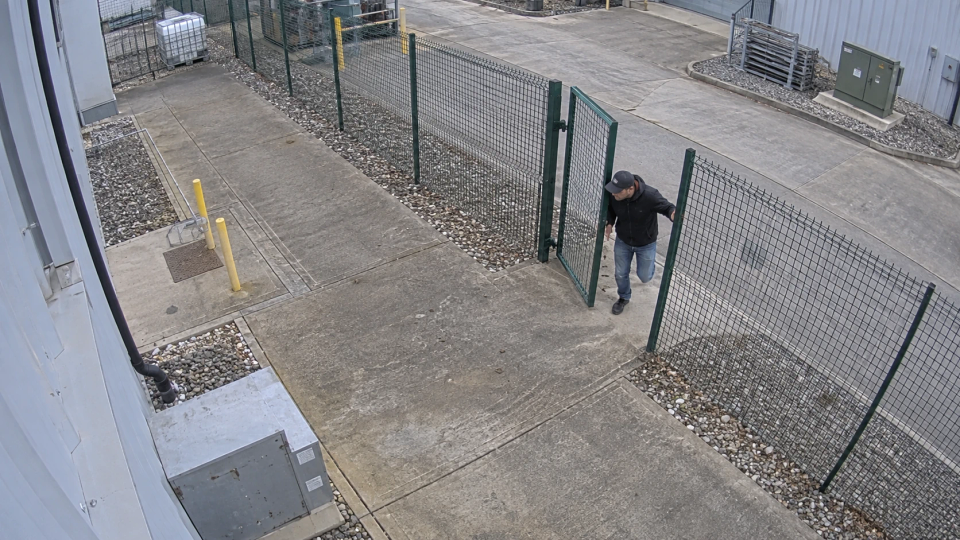
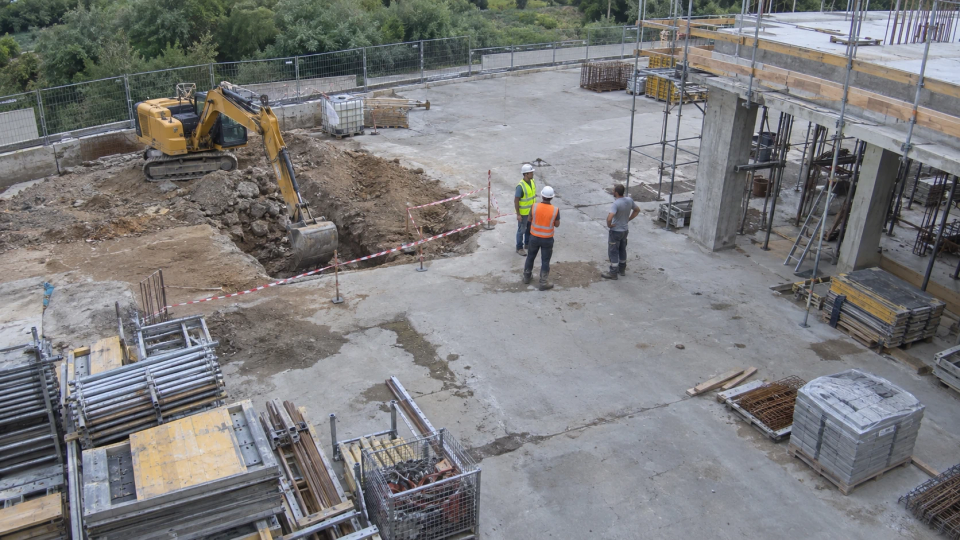






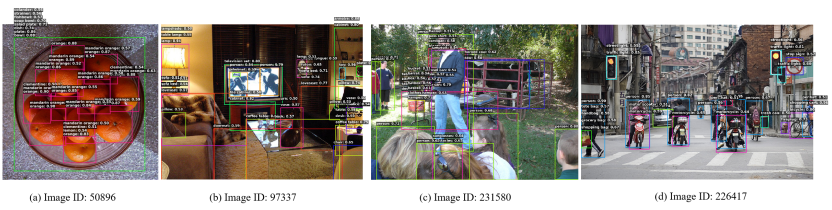 01 / OPEN-VOCABULARY DETECTION / OV-DEIM
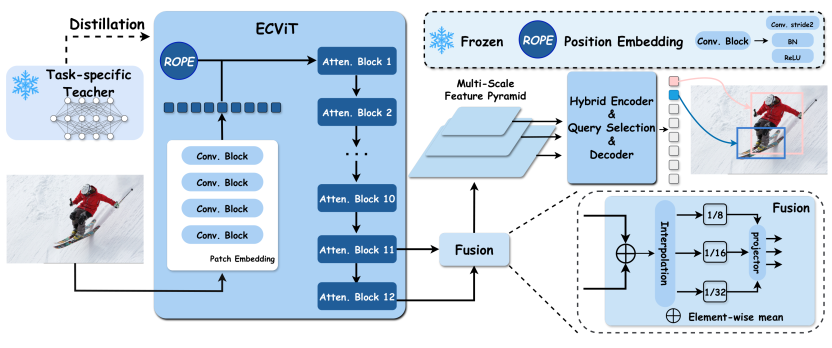 02 / EDGE INTELLIGENCE / EDGECRAFTER
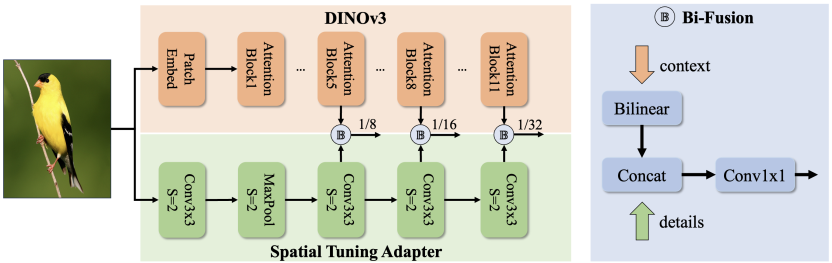 03 / REAL-TIME DETECTION / DEIMv2
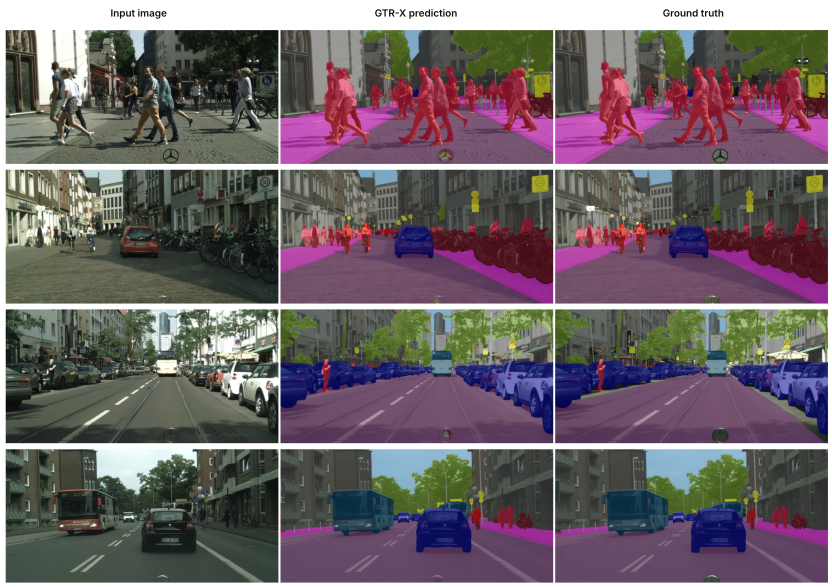 04 / SEGMENTATION / GTR
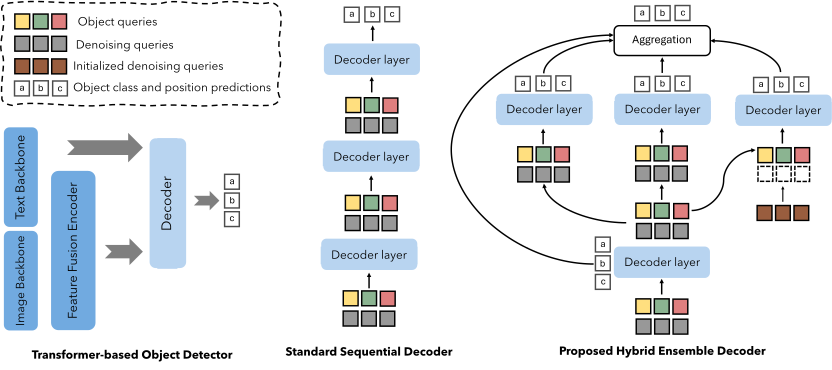 05 / DETECTOR ADAPTATION / FT-FSOD